Antimatter Dimensions Glyphs Guide: Types, Effects, and Best Sets
Choose Glyph effects by your next measurable goal, then keep separate sets for farming, challenges, and Celestial attempts.
Short answer: This Antimatter Dimensions Glyphs guide treats Glyphs as goal-based equipment, not a single universal tier list. A high level or rare name does not guarantee value; the useful item is the one whose effects move your current bottleneck. Farming a fast Reality, pushing an Eternity Challenge, and preparing a Celestial attempt can all require different sets.
Use this Antimatter Dimensions Glyphs guide to separate the system from general Reality upgrades and Celestial routing. It covers types, effect selection, filters, safe sacrifice, and repeatable loadout tests. Unlocks and interface wording can change, so the live game text remains the final authority when an older guide disagrees.
Quick Navigation
What Do Antimatter Dimensions Glyphs Do?
Glyphs add conditional multipliers and quality-of-life effects to a Reality run. They can improve production, Infinity or Replicanti scaling, Eternity resources, Dilation progress, or a restricted Celestial route. The same item can be excellent for one target and nearly irrelevant for another.
Treat a Glyph as one part of a build with Time Studies, Reality upgrades, Perks, Black Hole timing, and automation. Compare the same milestone before and after a change; this shows whether the Glyph solved the bottleneck or only made a tooltip larger.
Effects decide value
A high level is not enough; keep the effect that moves the current bottleneck.
Sets are temporary
Farming, challenge, and Celestial goals can need different roles.
Test before sacrifice
Compare one repeatable milestone before deleting a marginal item.
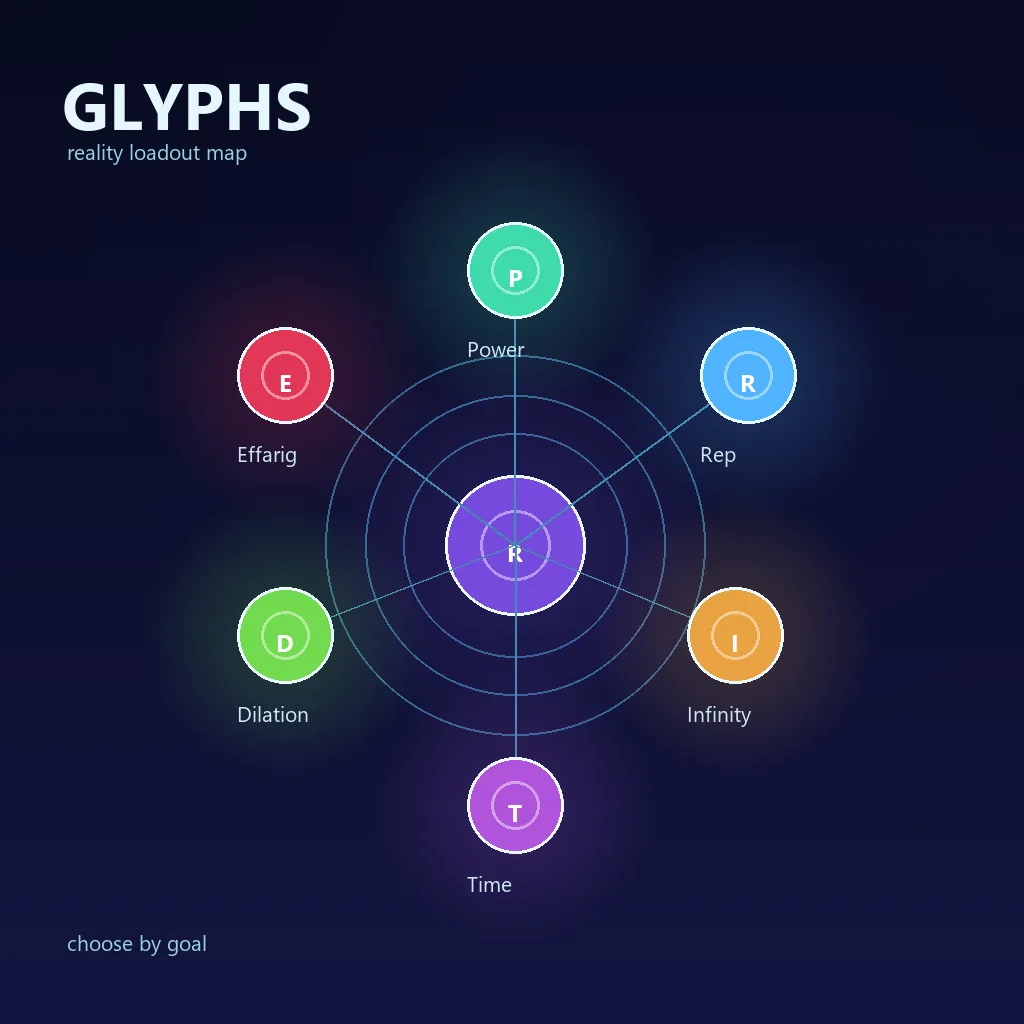
Antimatter Dimensions Glyph Types and Their Roles
The type suggests a broad job, but the actual effects decide whether the item belongs in your set. Use this table as a starting map and read the current in-game text before committing storage space.
| Type | Typical role | Useful when | Watch for |
|---|---|---|---|
| Power | General production | A normal push lacks raw output. | Level alone does not make it useful. |
| Infinity | Infinity scaling | An Infinity milestone is the bottleneck. | Another layer may limit a late Reality farm. |
| Replication | Replicanti routes | Replication progress or a related condition is slow. | Check the final target, not only an intermediate counter. |
| Time | Eternity resources | You are farming Eternity Points or Time Theorems. | A restricted Reality may value another role. |
| Dilation | Dilation progress | Dilated Time or Tachyon progress blocks the run. | Do not treat it as every-purpose farming gear. |
| Effarig | Flexible special effects | A special route needs an unusual combination. | Flexible does not mean universally best. |
Reality, Cursed, and Companion entries have special handling rather than behaving like ordinary random types. If your version shows renamed or additional entries, apply the same rule: identify the layer being pushed, choose the direct effect, and test it on a repeatable target.
How to Get and Prepare Glyphs
Preparation starts before the item drops. Decide whether the next Reality is for farming, a challenge, a Celestial condition, or a resource threshold. A clear goal lets you judge a Glyph without changing Time Studies, automation, and equipment all at once.
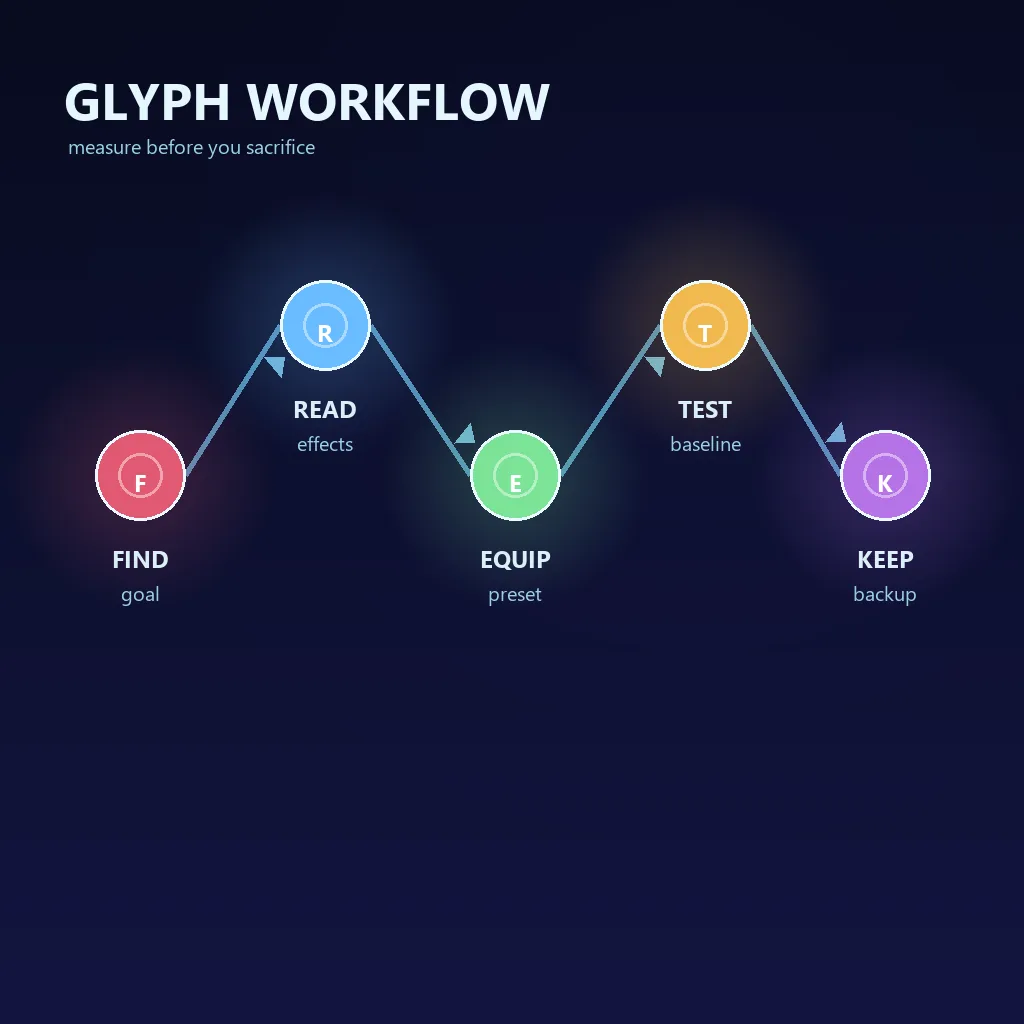
- Unlock or acquire Glyphs according to the condition shown by your current version.
- Name the next target before selecting effects: farm speed, challenge progress, or a Celestial goal.
- Export the save before editing filters, sacrificing items, or testing a high-stakes route.
- Run the same milestone with the old and new set, then record time and target progress.
A short test log makes a temporary set recoverable instead of forcing you to rebuild it from memory.
How to Choose the Best Glyphs for Your Goal
There is no universal best Glyph set. Start with the output you want and work backward to the effect that changes it. Keep the rest of the setup constant so a comparison measures the Glyphs rather than a new build.
| Goal | Start with | Why |
|---|---|---|
| Reality farming | Reliable speed and production | Repeated cycle time beats a narrow one-run bonus. |
| Eternity Challenge | Effects for the restricted layer | Meeting the condition matters more than general power. |
| Celestial achievement | Effects that move the exact condition | Restrictions can disable familiar mechanics. |
| Automation loop | Stable effects and thresholds | Predictable timing is easier to repeat. |
Use two passes: remove effects that cannot affect the target, then compare strength, reliability, and replacement cost. Keep close candidates until storage pressure makes the decision meaningful.
Glyph Filters, Thresholds, and Auto-Selection
A Glyph filter is a storage policy, not a wish list of perfect rolls. Start with direct effects, add a sustainable quality threshold, and reserve room for a fallback set. A strict filter can leave slots empty; a loose one can consume storage with items that never help.
Effect priorities
Separate must-keep, useful backup, and safe-to-lose effects.
Thresholds
Raise quality or score requirements only as supply improves.
Auto-selection
Test the current selection logic with an exported save.
Filter modes
Use sacrifice value, effect count, rarity, specified effects, score, or Alchemy value only when needed.
If selection looks wrong, inspect the exact effect spelling, threshold, available slots, and current upgrade state. Simplify the filter before adding more conditions.
Glyph Sacrifice and Storage Safety
Sacrifice clears storage and creates progress, but bulk cleanup can erase the only item that supports a future challenge. Compare each candidate with the next few goals, not just the current run.
| Check | Keep when | Reason |
|---|---|---|
| Unique effect | It is the only stored source. | Replacement may take longer than the space saved. |
| Tested loadout | It belongs to a proven preset. | Evidence is safer than an untested tooltip. |
| Near-term goal | The next milestone uses its layer. | Short-term opportunity cost matters. |
| No replacement | A new item or route is not ready. | Sacrifice only after the role is covered. |
Export first. Never use the Save Editor to force a missing Glyph or bypass progression; use it for backup and inspection.
Three Practical Antimatter Dimensions Glyph Loadouts
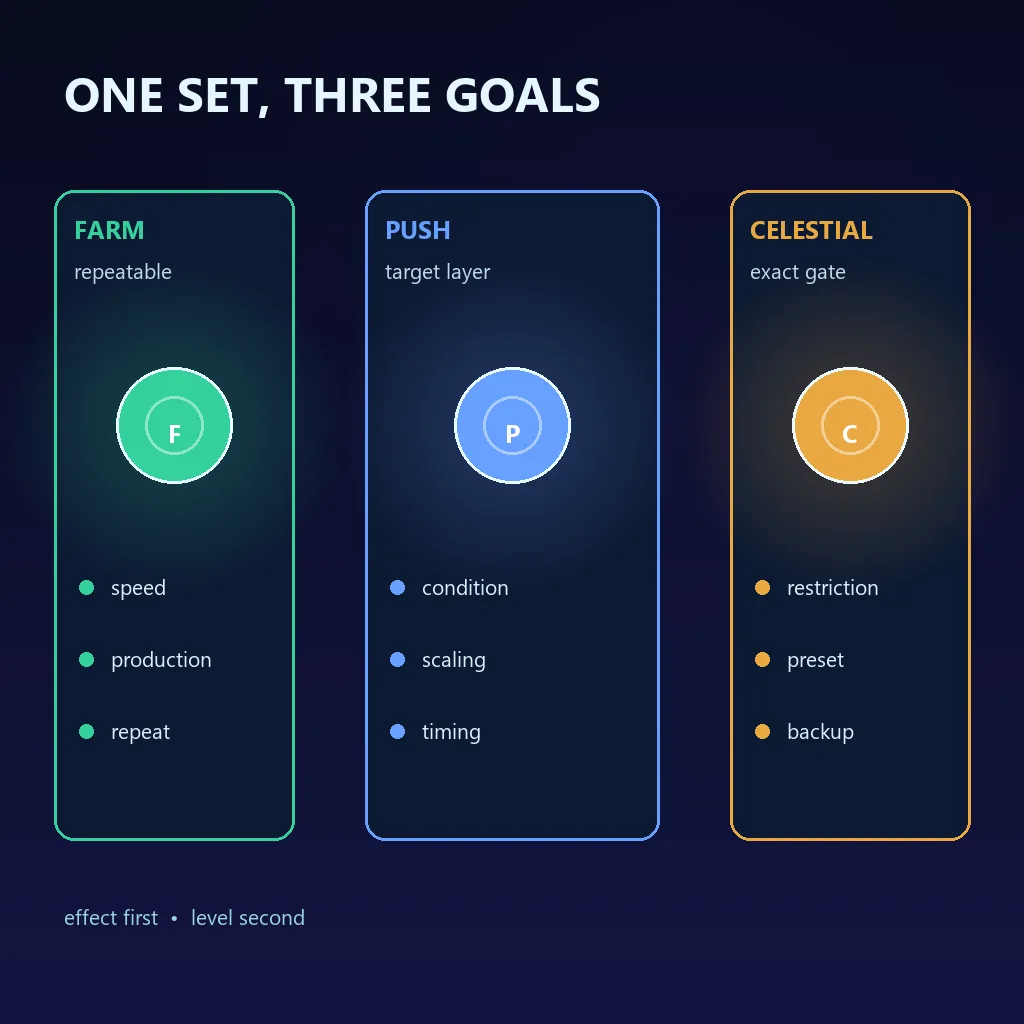
These role-based examples are starting points, not a universal six-item list. Time Studies, Perks, Black Hole state, upgrades, and Celestial restrictions still matter.
Farm set
Use reliable speed, production, and repeatable resource effects.
Measure the same Reality milestone over two runs.
Challenge set
Prioritize effects that support the active restriction.
Compare condition progress at a fixed elapsed time.
Celestial set
Read the restriction first and keep only legal effects.
Export the save and record the complete active setup.
Name presets by their job—farm, EC push, or Celestial attempt—and retest them after major upgrades.
Common Glyph Mistakes and Fixes
Most problems come from a mismatched goal or uncontrolled changes. Fix the smallest variable that explains the result.
| Mistake | Why it hurts | Better fix |
|---|---|---|
| Copying one best list | It may target another stage or restriction. | Use a goal-based set and test it. |
| Ranking by level | The item may lack the needed effect. | Read every effect before comparing. |
| Overly strict filter | Empty slots slow replacement. | Raise thresholds gradually. |
| Changing everything together | The cause becomes impossible to identify. | Change one variable and keep a save export. |
Antimatter Dimensions Glyphs FAQ
References and Version Notes
Mechanics, effect names, restrictions, and filter behavior can change. Verify the live interface before treating any value as mandatory.
- Official source repository for implementation and UI behavior.
- Community Glyphs reference for maintained terminology.
- Antimatter Dimensions on Steam for first-party game context.
- Community discussions for player context only.
Bottom line: choose Glyphs by the next measurable goal, keep named sets for restricted runs, simplify filters before automating them, and export before sacrificing.