Antimatter Dimensions EC4 Guide: Unlock, Setup, and Clear Strategy
Eternity Challenge 4 is easier to understand when you separate the entry requirement from the clear itself. This guide explains the common Infinity check, the limited-Infinity rule, a repeatable Time Study setup, and the small automation changes that stop a promising run from wasting its crunches.
The safest Antimatter Dimensions EC4 strategy is to unlock the challenge, export your save, respec for the restriction, and treat every Infinity as a limited resource. EC4 is not mainly a test of whether your normal Eternity build can make more antimatter. Its pressure comes from the challenge rule that limits how many Infinities you can perform. A farming setup that crunches automatically can spend the run before you have reached the target, so the winning change is usually better timing rather than a secret purchase order.
Numbers can differ between web, Steam, forks, and older guides. Use the live challenge panel for the final requirement, then use the route below to decide what to change. Stable strategy advice is separated from version-sensitive values.
EC4 Guide Map
What EC4 Changes in Antimatter Dimensions
The key EC4 mechanic is the Infinity limit. In a normal Eternity run, an autobuyer can crunch at its target and the lost Infinities are part of the loop. In EC4, each crunch consumes challenge budget, so a fast reset is not automatically a good reset.
Treat EC4 as production with a budget. You need enough antimatter and Infinity strength for the goal while preserving Infinities for the final push. A short manual test with crunch automation paused is usually safer than an overnight script.
Stable rule versus changing number
The limited-Infinity mechanic is the stable part of the guide. The exact entry count, Time Theorem cost, and later completion values should be read from the current in-game EC4 panel before you commit a long run.
Entry
Meet the challenge study and the current secondary Infinity requirement.
Budget
Treat crunches as a resource; do not spend them on ordinary farming.
Clear
Reach the target with enough controlled Infinities left for the final stretch.
EC4 Unlock and Readiness Checks
Before buying anything, open the Eternity Challenge panel and read the current EC4 entry text. Older guides may use different Study or Infinity values, so the game UI is the source of truth for your version. Check the Study cost, entry condition, and completion number separately; confusing them makes a correct guide look wrong.
A practical readiness test beats one impressive total. Outside EC4, watch a normal Eternity cycle: how many crunches does automation use, how fast does the run recover, and can you reach the next milestone without changing the tree? If it needs emergency resets, EC4 will magnify that weakness.
| Check | What it tells you | Safe action |
|---|---|---|
| Challenge study | Whether EC4 is actually unlocked | Buy it, then plan a respec instead of assuming the unlock tree is the clear tree. |
| Infinity requirement | How much entry progress the current build expects | Confirm the number in the live panel; older screenshots may use different values. |
| Normal recovery | Whether your production rebuild is stable | Measure one cycle before entering; farm if recovery depends on frantic clicking. |
| Crunch count | How many resets your automation spends | Pause or raise the threshold so EC4 does not burn its budget early. |
Time Study, Save, and Automation Setup
Export the save before your first EC4 experiment. A backup makes respec testing reversible: try a path, record its Infinity cost, and return to the known state if it is worse. The Study that opens EC4 is not automatically the best clear path.
Start with a tree that strengthens the resource EC4 leaves available and remove nodes that only feel useful because they belong to normal farming. Exact choices depend on EP, Time Theorems, achievements, and earlier EC rewards, so use the current Time Studies description instead of an old screenshot.
Use a controlled first attempt
For the first test, turn off automatic crunching, leave one clear milestone visible, and change only one major variable between attempts. You are measuring the route, not trying to set a perfect personal best.
- Export the save and write down the current EC4 completion count, Time Theorems, Infinity upgrades, and the study path used to unlock the challenge.
- Respec into a production path that matches the current restriction; do not preserve a node only because it was comfortable in ordinary Eternity.
- Pause crunch automation and set autobuyers so they cannot spend several Infinities while you are still checking the opening production curve.
- Enter EC4, let the first cycle develop, and note the point where the next crunch improves the run instead of merely resetting it.
- If the attempt is clearly slower, restore the save, change one node or threshold, and test again before adding more upgrades.
A Controlled EC4 Route That Preserves Infinities
The route below is for diagnosis, not a universal timer. Versions and save strength change the duration, but the decisions stay in order: prepare, enter, observe, spend a crunch only when it improves the next cycle, and reserve the rest for the finish.
If you are close to a clear, do not rebuild everything. A threshold change, paused autobuyer, or one more farming Eternity may beat a new tree. The route works when you can state the reason for each reset before clicking.
- Prepare outside EC4: buy only the upgrades that improve the restricted resource and keep the backup available.
- Enter with crunch automation paused and let the opening production establish a baseline instead of resetting instantly.
- Spend the first controlled Infinity when it creates a measurable recovery improvement or unlocks the next required purchase.
- Repeat the same decision rule; if a crunch only makes the number look smaller and does not improve recovery, wait.
- Reserve enough Infinities for the final push, then verify the completion in the challenge panel before restoring automation.
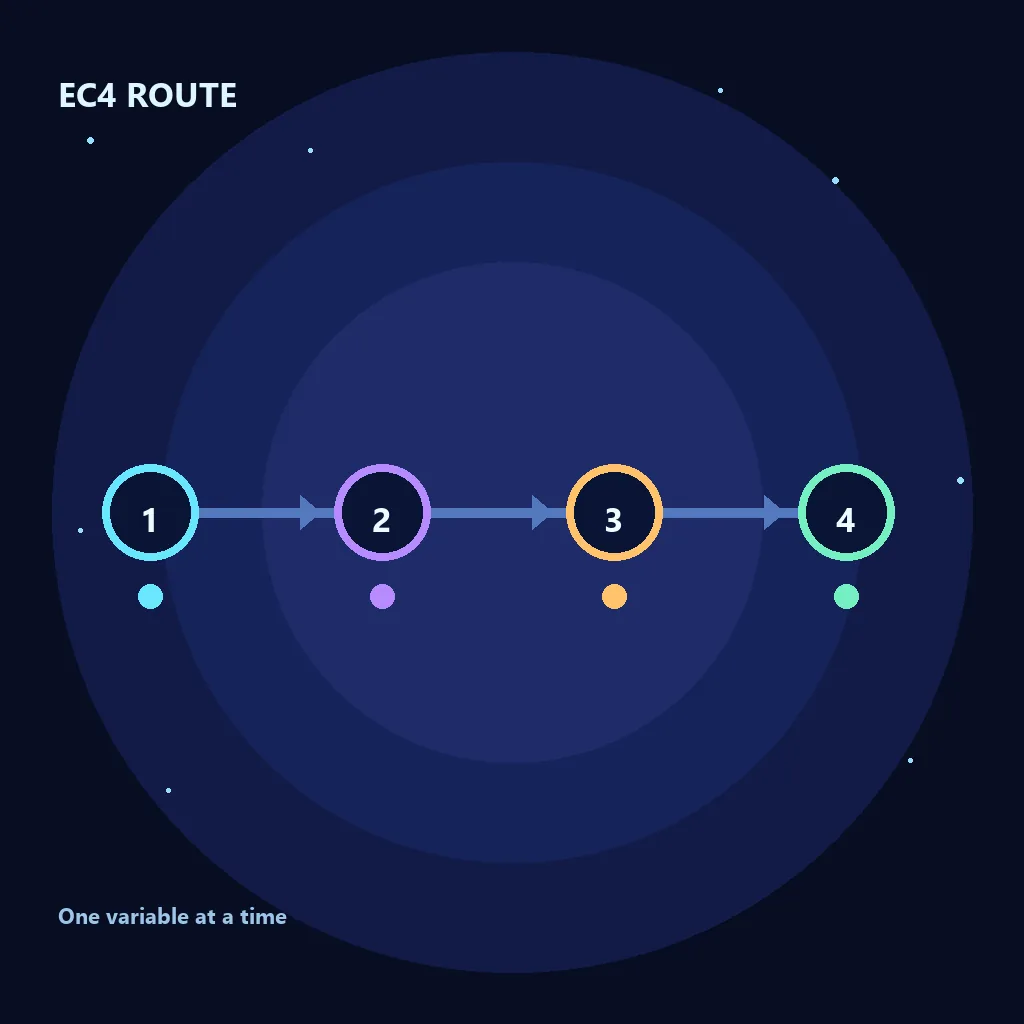
EC4 Troubleshooting: Find the First Broken Layer
When EC4 stalls, find the first quantity that stops improving. Growing antimatter with no next purchase points to weak production. Purchases with flat post-crunch recovery point to the reset threshold or Study tree. Reaching the final stretch with an empty counter means automation spent the budget too early.
Make the smallest reversible change first. Pause an autobuyer before replacing the tree, farm one more Eternity before forcing a later completion, and use the backup before a large respec. A controlled failure shows the missing layer; changing everything at once removes the clue.
| Symptom | Likely cause | First fix |
|---|---|---|
| The entry condition is still red | You are reading a completion value as the unlock value | Open the current EC4 panel and verify the study, cost, and secondary requirement separately. |
| The run burns Infinities immediately | Normal farming automation is still active | Pause crunching and run the opening manually once. |
| Each crunch recovers at the same speed | The reset is not buying a meaningful multiplier | Wait longer or change the study focus before spending another Infinity. |
| The final push is short by one cycle | The remaining Infinity budget was not reserved | Restore the backup, raise the crunch threshold, and keep a finish reserve. |
| A respec makes the run worse | The unlock path was copied as the clear path | Return to the backup and compare one production-oriented change at a time. |
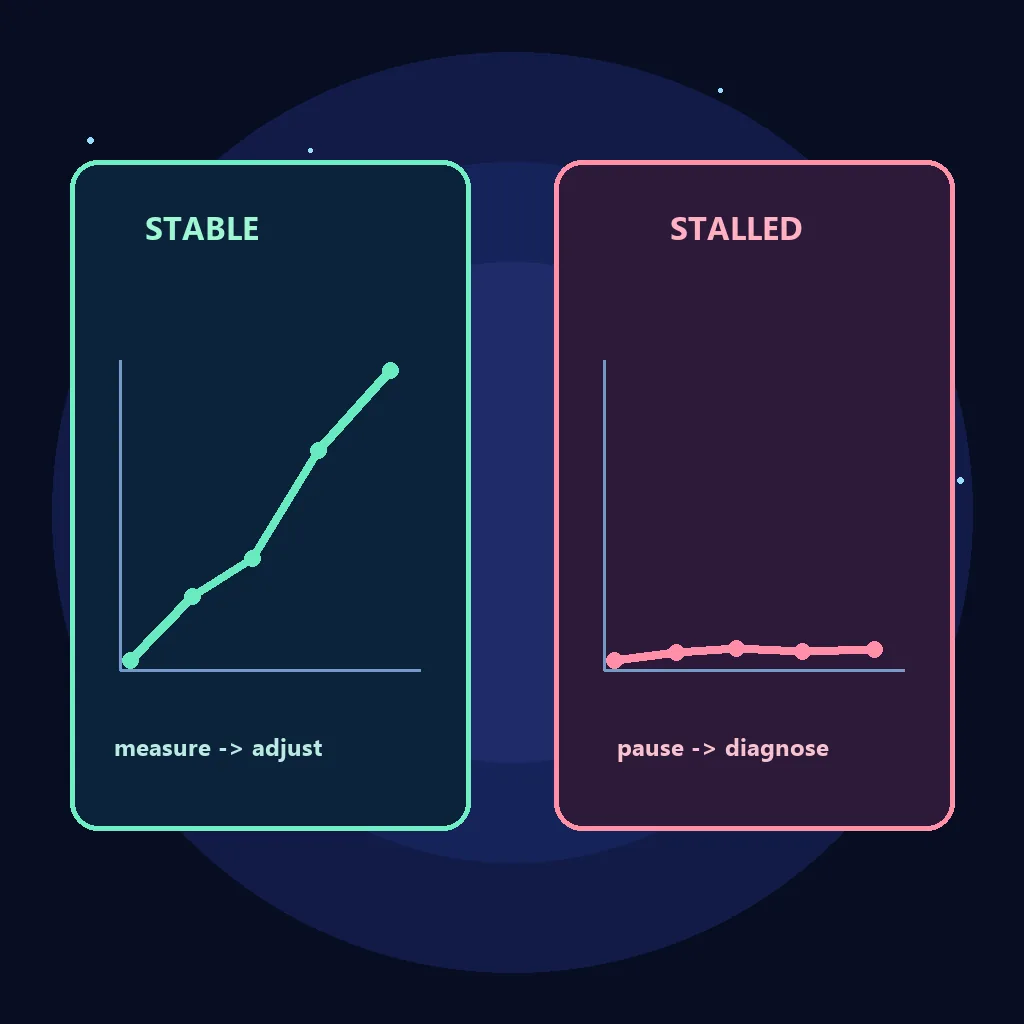
Automation, Later Completions, and Common Mistakes
Automation belongs at the end of the EC4 process. Find a repeatable manual route, then activate one buyer or reset rule at a time. If automation consumes more Infinities than the manual reference, it is hiding the timing problem rather than improving the route.
Later completions need a fresh readiness check. The first clear can work while the fourth or fifth exposes weak recovery or a small crunch reserve. Farm earlier EC rewards, update the backup, and return when the restricted route is comfortable to repeat.
- Do not leave a normal farming crunch threshold active just because it was fast outside EC4.
- Do not spend a permanent respec without an exported save and a reason tied to the stalled resource.
- Do not force a later completion while the first route still needs emergency manual recovery.
- Do not confuse EC4 with Infinity Challenge 4; they are different progression layers and different pages.
- Do not use the save editor to guess a challenge state; use it for backup and inspection, then keep the live game state consistent.
Antimatter Dimensions EC4 FAQ
What is the main EC4 restriction?
EC4 limits how many Infinities you can perform during the challenge. That makes ordinary automatic crunching dangerous because a fast reset can spend the budget before the run reaches its target.
What do I need to unlock EC4?
You need the current EC4 challenge Study and secondary Infinity condition. Versions and forks can differ, so check the live EC4 panel instead of an old screenshot.
Should I use the same Time Study tree that unlocks EC4?
Usually not. The entry path only proves you can get in; the clear tree should strengthen the resource EC4 allows. Export, respec, and compare one change at a time.
Why does my EC4 run waste all its Infinities?
The normal farming autobuyer or crunch threshold is probably active. Pause crunching, watch one cycle, and spend an Infinity only for recovery or a meaningful milestone.
Is EC4 the same as Infinity Challenge 4?
No. EC4 is Eternity Challenge 4 and IC4 is Infinity Challenge 4. Their progression layers and restrictions differ, so check the in-game label.
Should I force the fourth or fifth EC4 completion?
Only when the first route is repeatable and recovery has reserve. Farm earlier EC rewards and return later; it is safer than forcing a stalled attempt.
References and Version Notes
Check exact costs in the current panel and compare community or source references.
Bottom line: Unlock EC4, back up, adapt tree, pause crunches, and spend Infinity deliberately.